Hide your private videos from prying eyes

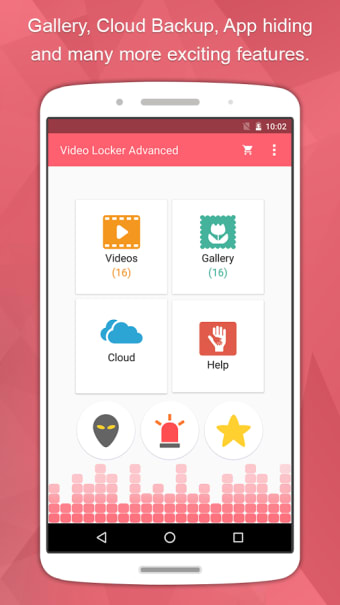
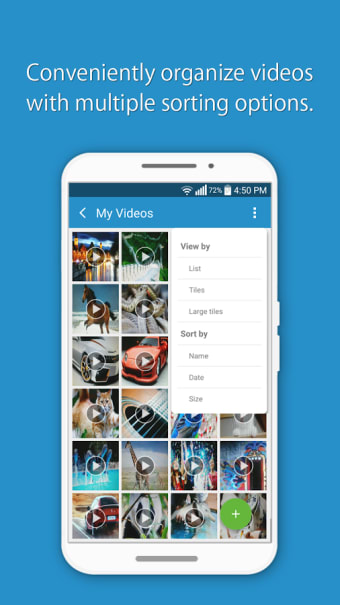
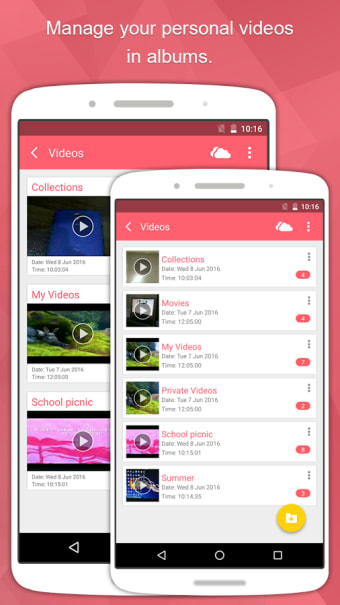
Hide Videos in Video Locker is a free application that allows you to store your mobile videos in a password-protected, private folder. For those who share their phone with others or those who just want a little extra security, Hide Videos in Video Locker offer a simple and elegant solution that will fit in on any phone. With features like Dropbox backup, import and export options, time scale view and more, it’s more than just a private folder—it’s a comprehensive video viewing platform.

Top Recommended Alternative

A secure viewing experience

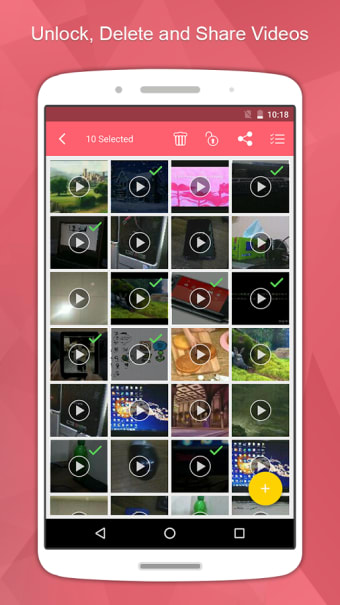
Like its name suggests, Hide Videos in Video Locker is a hiding place for your private or sensitive videos, but it’s also much more than that. As an accessible and intuitive interface, it’s a great place to store videos for playback or to keep them backed up. Hide Videos in Video Locker adds a layer of protection and prevents hacks, all while offering a user-friendly take on a video album. With time scale view, your videos are sorted by date. Once your videos are added, you can also create personalized albums that are backed up to Dropbox so you never lose a thing.

Protect your videos

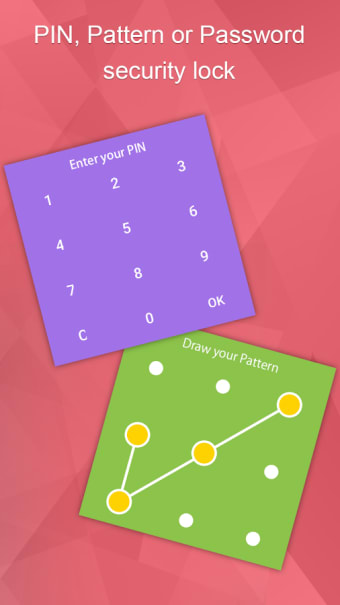
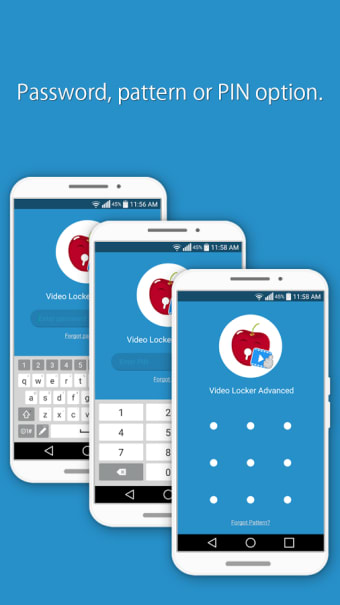
Hide Videos in Video Locker offers users a number of different ways to keep their videos hidden. Besides standard password protection, you can set up two more different security credentials (PIN & pattern), set up a decoy log in and even hide the app icon in stealth mode. Not only will someone else not be able to hack your videos, they won’t even be able to find them.

  • Pros

    • Choose from a variety of security credentials
    • Backup to Dropbox
  • Cons

    • Contains ads
    • Requires in-app purchases for some features
 0/6

App specs

  • License

    Free

  • Version

    1.1.0

  • Latest update

  • Platform

    Android

  • OS

    Android 2.3

  • Language

    English

    Available languages

    • German
    • English
    • Spanish
  • Downloads

    46.9K

  • Size

    9.67 MB

  • Developer

  • Download Options

    APK, Google Play

  • Filename

    net.newsoftwares.videolockeradvanced.apk

Program available in other languages


User reviews about Video Locker - Hide Videos

Have you tried Video Locker - Hide Videos? Be the first to leave your opinion!

Add review

You may also like

Alternatives to Video Locker - Hide Videos

Explore Apps

Latest articles

Laws concerning the use of this software vary from country to country. We do not encourage or condone the use of this program if it is in violation of these laws.
Softonic

Is Video Locker - Hide Videos safe?

100/100

Score result: Clean

This file passed a comprehensive security scan using VirusTotal technology. It is safe to download.

  • Virus free
  • Spyware free
  • Malware free
  • Verified by Security Partners

    VirusTotal logo

Scan Info

Last scan
Monday, December 11, 2023
Scan provider
VirusTotal · Full report

File Integrity

File
net.newsoftwares.videolockeradvanced.apk
SHA256
0b830e198447d81e3f833f1651b6fc92c5c31a040fbde21a37fd23f7ef990e46
SHA1
66315fdb48c4b2e66c8b2852fe77ec48ae159bb6

Softonic security commitment

Video Locker - Hide Videos has been thoroughly scanned by our advanced security systems and verified by industry-leading partners. This file comes from the official developer and has passed all our security checks, showing no signs of viruses, malware, or spyware. For more information, visit our Security and Trust Center